Delete Workflow Variable
The Delete Workflow Variable functionality allows users to remove unused or obsolete variables from workflow processes. This action permanently removes the variable configuration and requires careful consideration due to potential impacts on existing workflows.
Deleting variables helps maintain clean workflow configurations and removes clutter from the variables management interface.
Navigation
To delete a workflow variable:
Navigate to Workflow Variables Management
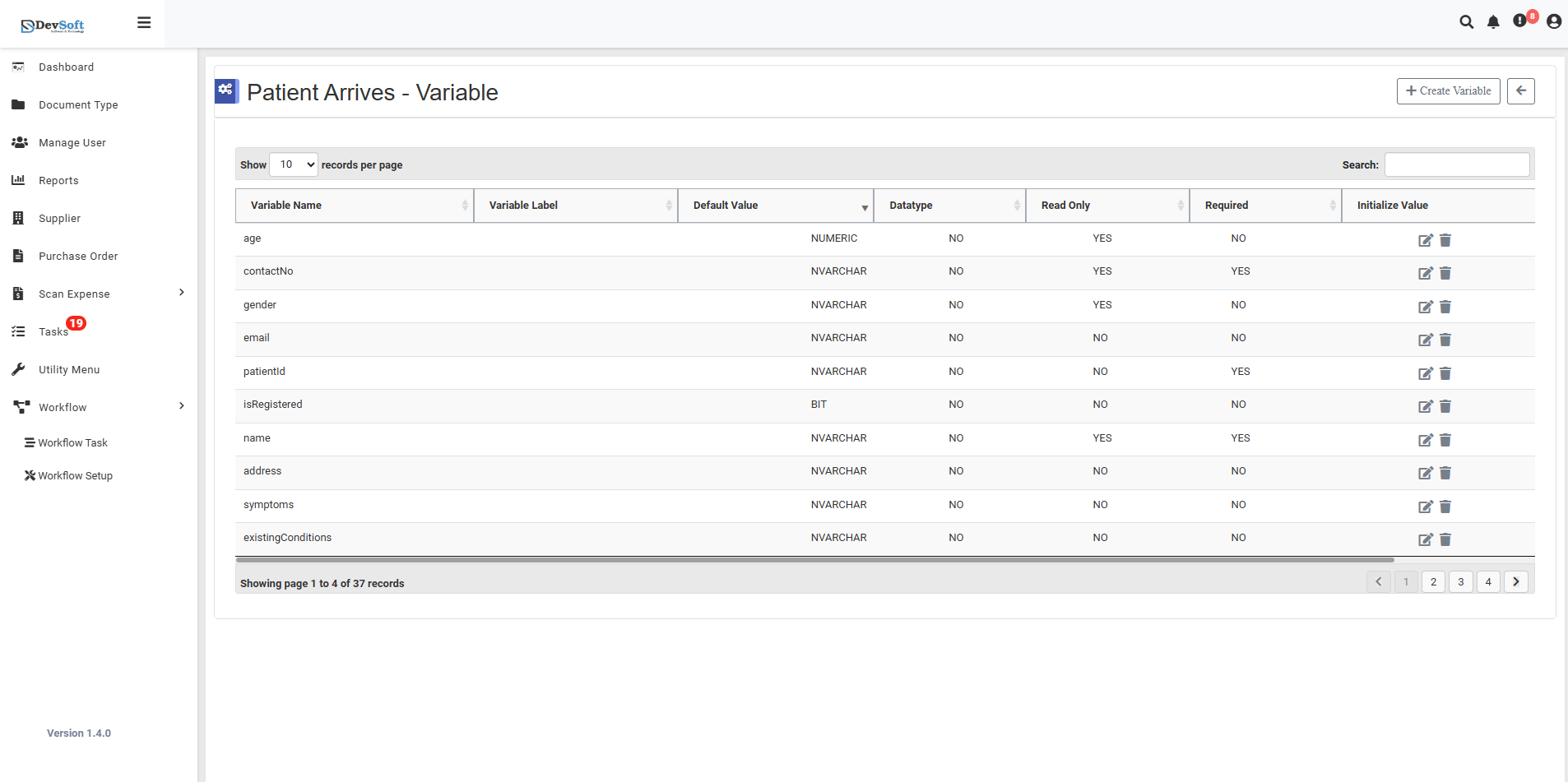
Access the main Variables screen through the Workflow Setup menu.Locate Target Variable
Browse the variables grid to find the specific variable you want to delete.Click Delete Icon
Click the delete (trash) icon located near the edit icon on the variable record.Confirmation Workflow
The system displays a confirmation dialog to prevent accidental deletion.
Deletion Workflow
Confirmation Dialog When you click the delete icon, the system displays a confirmation message: