Create New Workflow Form
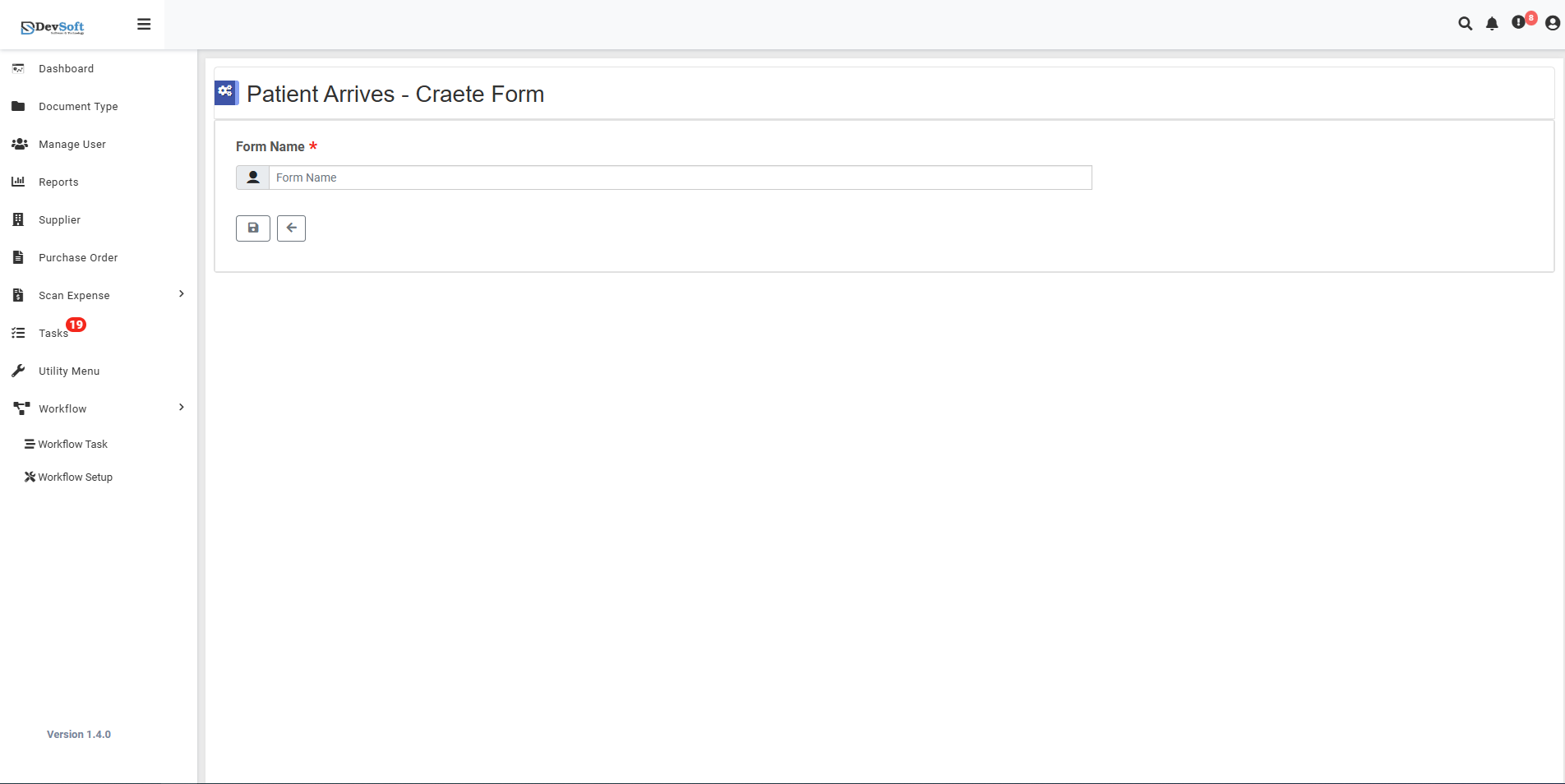
The Create New Workflow Form page allows users to set up new forms for workflow processes, defining form structure, database connections, and integration points from the very beginning.
This streamlined interface guides users through the initial form creation process before proceeding to detailed configuration.
Navigation
To access the Create New Workflow Form page:
Navigate to Workflow Forms Management
Access the main Forms screen through the Workflow Setup menu.Click the + New Icon
Locate and click the plus (+) icon in the top right corner of the Forms Management grid.Create Form Page Opens
The system displays the Create New Form interface for initial setup.
Form Creation Interface
Primary Configuration
Form Name *
- Purpose: Unique identifier for the new form
- Field Type: Text input for form naming
- Requirement: Mandatory field for form creation
- Example: "Patient Registration Form", "Medical Assessment Form"
Visual Indicators
- Placeholder Boxes - [ ] [ ] [ ] indicate form naming structure
- Required Markers - Asterisks (*) denote mandatory fields
- Clean Layout - Minimal interface focused on essential setup
Action Buttons
Save Button
- Creates the new form with basic configuration
Back Button
- Returns to Forms Management screen
Creation Workflow
- Enter Form Name - Provide descriptive name for the new form
- Select Database Connections - Choose relevant system integrations
- Choose Action:
- Click Save to create form and proceed to detailed configuration
- Click Back to cancel creation and return to main screen
- Detailed Configuration - After saving, access full form builder for component setup