Reports
The Reports module in DocView Web provides comprehensive reporting capabilities across three main categories: Load Reports, Financial Reports, and Inventory Reports. This module allows users to generate, view, and analyze system data with flexible filtering options.
Navigation
Login to DocView Web
Enter your credentials to access the system.Open Sidebar Menu
Click the ☰ Sidebar Icon at the top-left corner.Select "Reports"
Click Reports from the sidebar menu to access the Reports Dashboard.
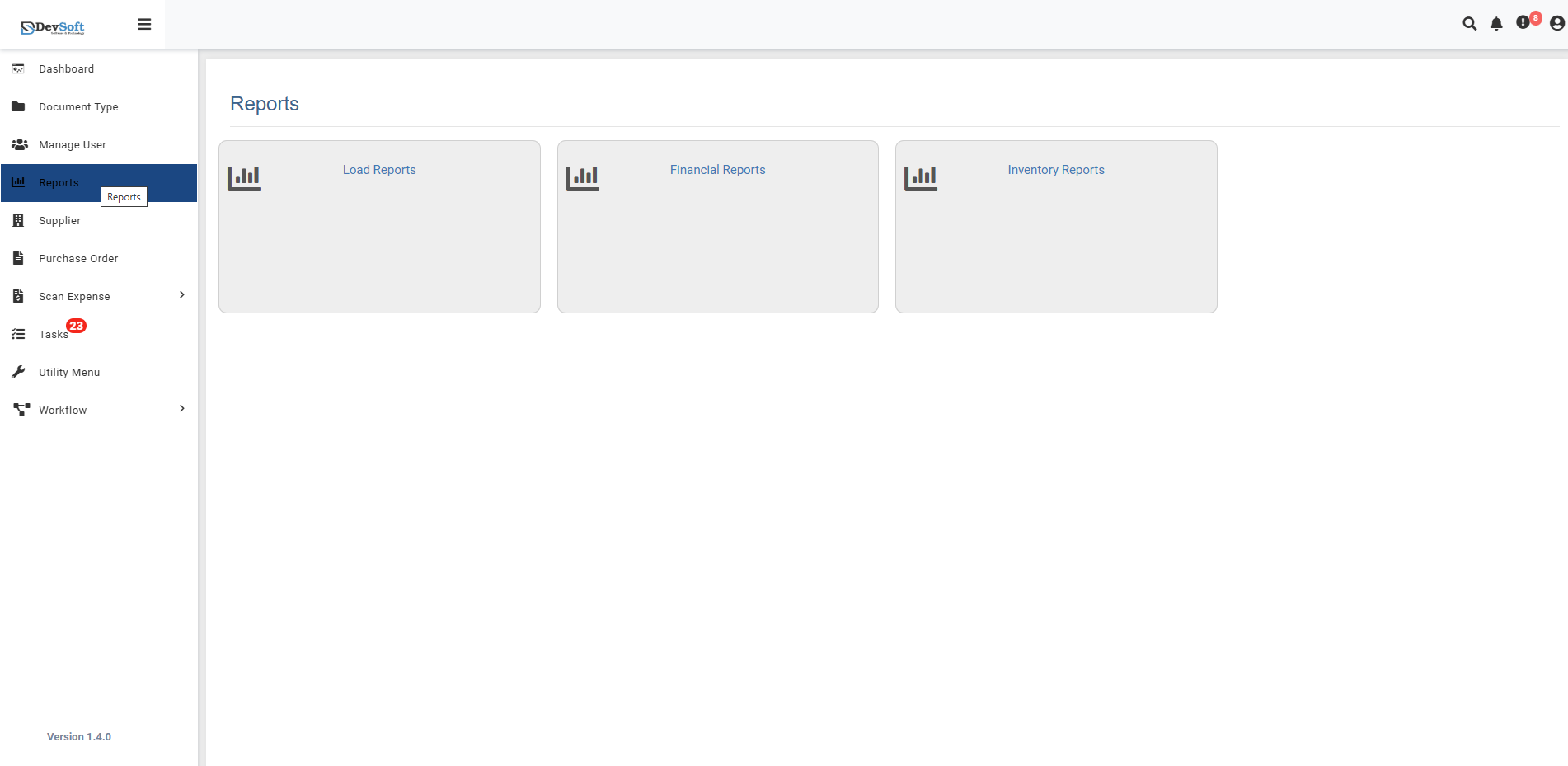
Reports Overview
Users are presented with three main report categories:
- Load Reports - Document loading and processing statistics
- Financial Reports - Financial transaction and invoice data
- Inventory Reports - Stock and inventory-related documents
Access Permissions
- Administrators: Full access to all report types
- Managers: Access to Financial and Inventory reports
- Standard Users: Limited to Load Reports only
- Custom Groups: Permissions based on group assignments
Features Across All Reports
- Date Range Filtering – Focus on specific periods
- Pagination Controls – Select records per page and navigate pages
- Data Export – Excel, CSV
- Search & Filter – Quick and advanced filtering with real-time results