Supplier
The Supplier Module in DocView Web provides a centralized system for managing supplier information, approval workflows, and detailed supplier records.
It ensures that only authorized users can view, edit, or approve supplier data.
This module is essential for:
- Maintaining accurate supplier profiles
- Tracking multi-level approval processes
- Recording supplier activity for audit compliance
- Facilitating communication and document management
Accessing the Supplier Module
Login to DocView Web
- Enter your registered credentials.
- If first-time login, you may be prompted to update your password.
Open the Sidebar Menu
- Click the ☰ Sidebar Icon on the top-left of the screen.
Select "Supplier"
- From the menu, click Supplier to open the main supplier dashboard.
⚠ Only users with Manage User permissions can view detailed supplier information or perform administrative actions.
Supplier Overview
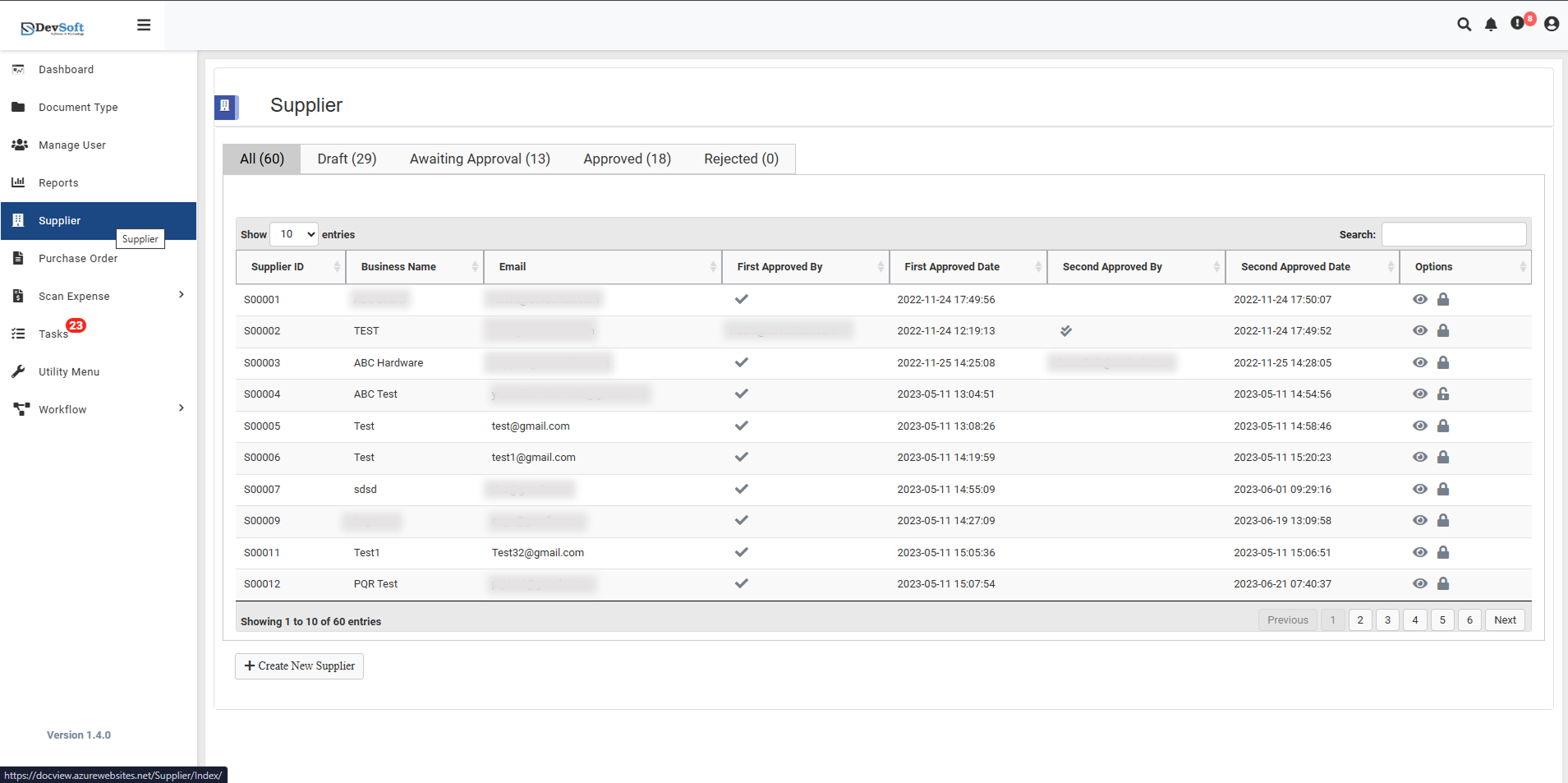
At the top of the page, the dashboard provides a quick overview:
- All Suppliers: Total suppliers in the system
- Draft: Suppliers in draft status awaiting completion
- Awaiting Approval: Suppliers pending approval in the workflow
- Approved: Suppliers fully approved and active
- Rejected: Suppliers rejected during the approval process
Each section is clickable to filter the supplier list accordingly.
Supplier List Table
The table displays suppliers with pagination and search options:
- Supplier ID: Unique identifier
- Business Name: Legal/registered name
- Email: Primary contact email
- First Approved By / Date: Initial approval info
- Second Approved By / Date: Secondary approval info
- Options: Action icons
- 👁️ View – Open supplier details
- 🖉 Edit – Modify supplier information (if authorized)
⚠ Only authorized users can click these action icons. Regular users may see the icons but cannot perform edits.
Viewing Supplier Details
Click the 👁️ View icon to see detailed supplier information. Sections include:
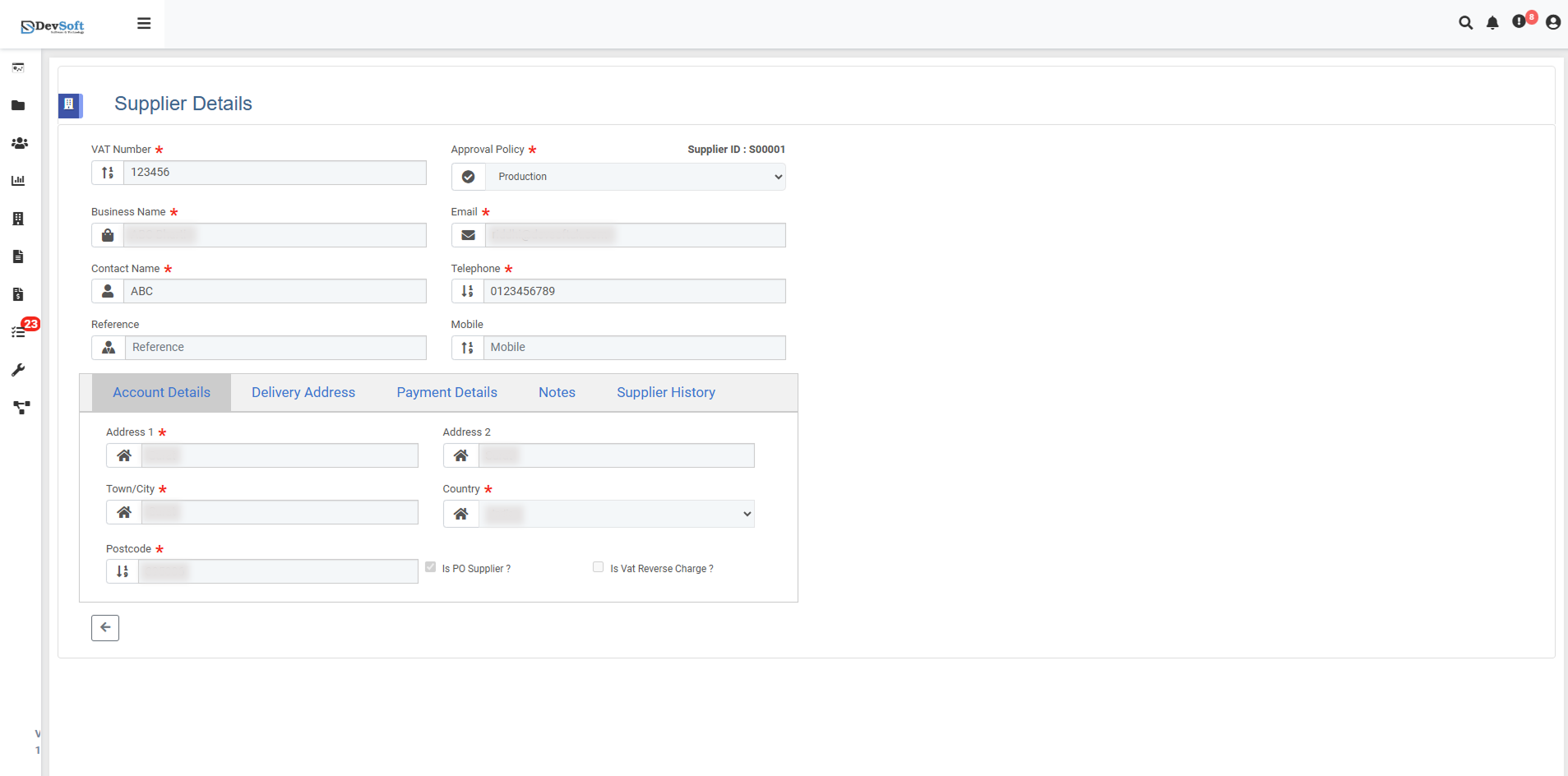
Amount Details
- Financial overview, balances, and transaction summaries
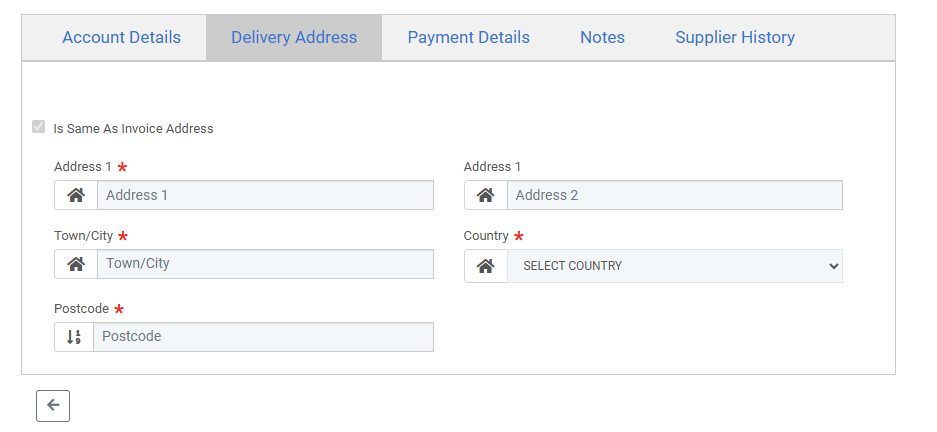
Delivery Address
- Shipping or delivery locations
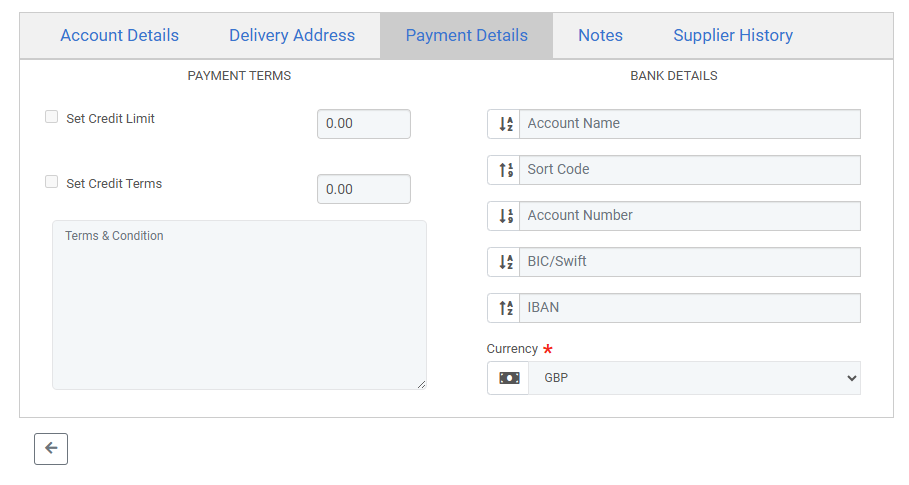
Payment Details
- Banking information, payment terms, and currency
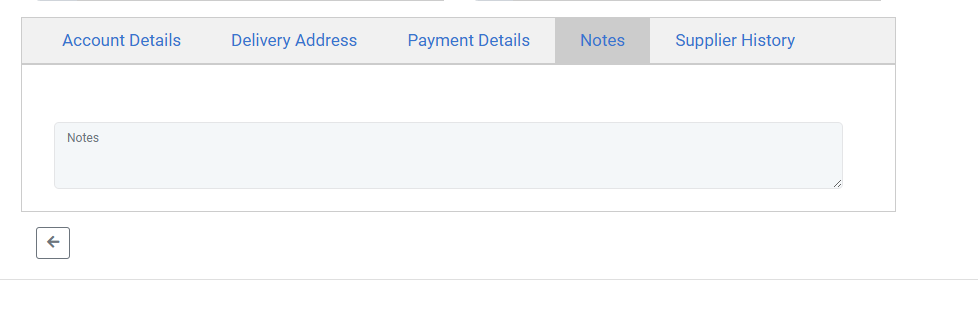
Notes
- Additional information or instructions (supports images if attached)
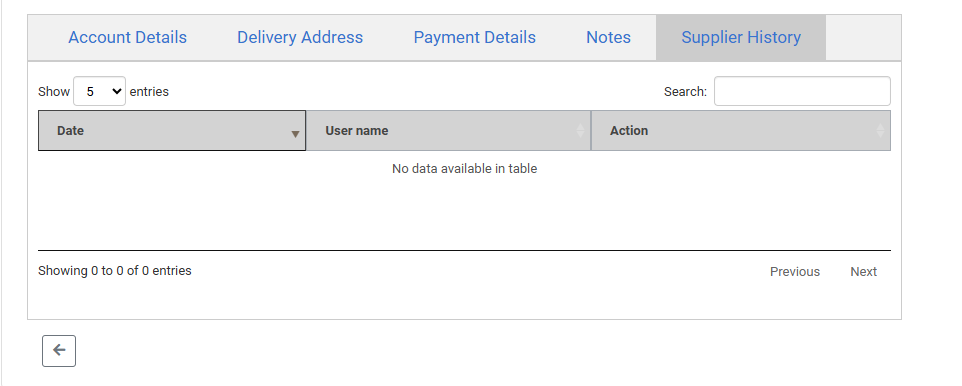
Supplier History
- Audit trail showing changes, date/time, and user responsible
Viewing these details requires proper access permissions assigned via the Manage User module.