DocView Utility Products
The Utility Products module in DocView Web provides a comprehensive suite of document processing tools that enable users to manipulate, convert, and enhance PDF files directly within the application.
Navigation
To access the Utility Products module:
Open the Sidebar Menu
Click on the ☰ Sidebar Icon at the top-left corner of the dashboard interface to expand the navigation panel.Select "Utility Menu"
From the sidebar, click on Utility Menu to view the complete list of document processing tools.Choose Your Utility Tool
Select any utility product from the list to access its specific functionality and processing options.
Utility Products Overview
The Utility Products screen presents a grid of powerful document processing tools, each designed to handle specific PDF manipulation tasks with ease and precision.
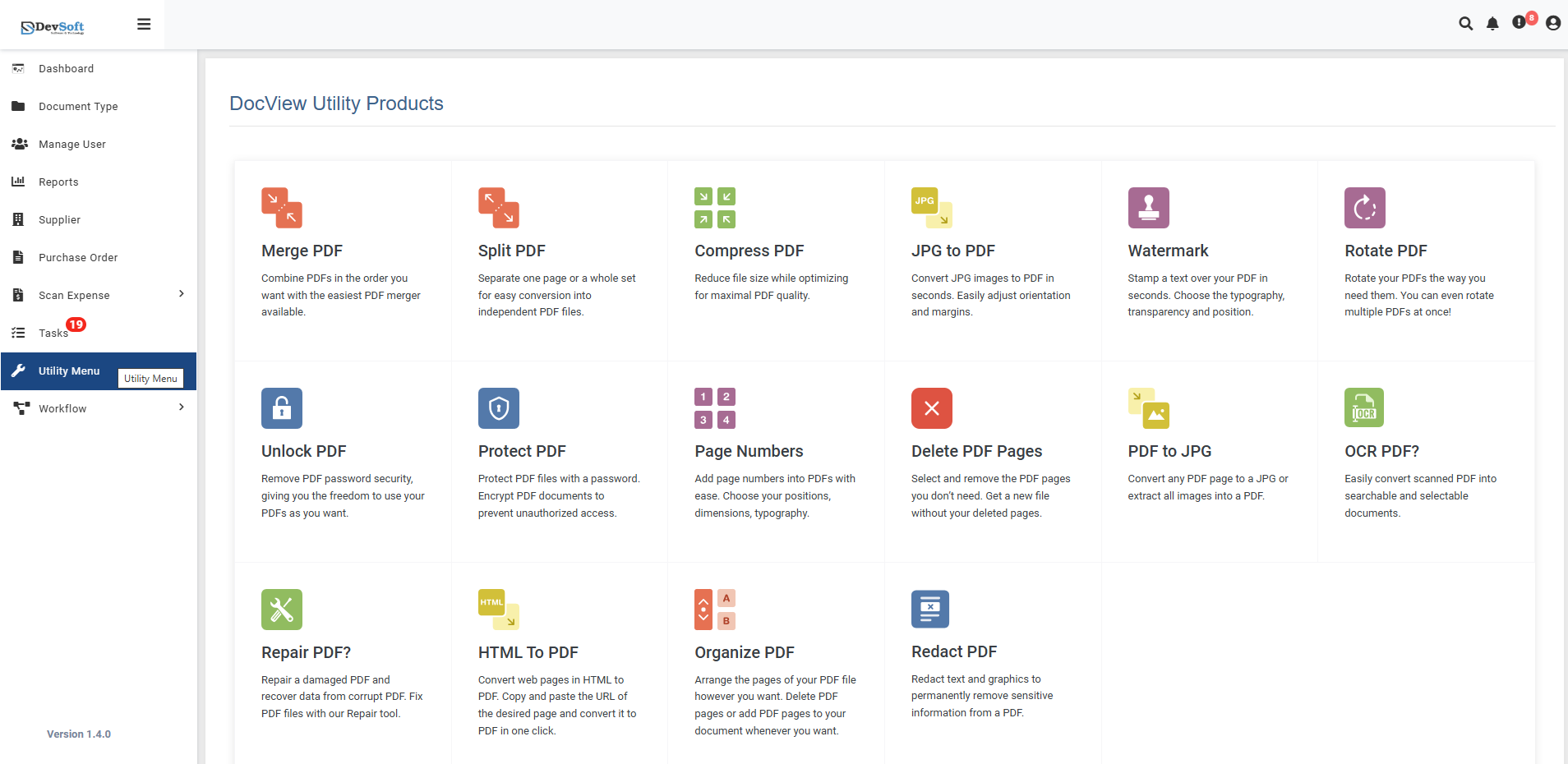
Available Utility Tools
- Merge PDF
- Split PDF
- Compress PDF
- JPG to PDF
- Watermark
- Rotate PDF
- Unlock PDF
- Protect PDF
- Page Numbers
- Delete PDF Pages
- OCR PDF
- Repair PDF
- HTML to PDF
- Organize PDF
- Redact PDF
Features
- User-Friendly Interface - Intuitive design requiring minimal technical knowledge
- Batch Processing - Handle multiple files simultaneously
- Cloud-Based - No software installation required
- Secure Processing - Files processed securely with automatic deletion
- High Quality Output - Maintain document quality throughout processing
- Cross-Platform - Access from any device with a web browser
Technical Requirements
- Supported Browsers: Chrome, Firefox, Safari, Edge (latest versions)
- Supported Formats: PDF, JPG, PNG, HTML, and tool-specific formats
- Internet Connection: Required for upload and processing