DocView Web


Empower your business with secure, cloud-based document access and management—anytime, anywhere.

DocView Web
Store and Access Documents Securely Online


A cloud-based document repository designed to accommodate businesses of all sizes, providing secure online storage and the capability to access documents from any location.


Features

Streamlined Document Management, Enhanced Accessibility and Robust Security.

Rapid Site Creation

Cloud-based document repository for multiple group documents with rapid websbite deployment.

Index Search

Powerful search filter to find your document quickly using any index field data.

Free Setup, Monthly Access

No upfront setup cost - just a monthly subscription.

Affordable Storage

The most cost-effective solution for online document storage.

Multi-Format Support

TIFF, PDF, Email, Word, Excel, and PowerPoint Support.

Integrated Authentication

Single Sign-On + Two-Way Authentication Compatible.

Digitally sign

Supports Digital E-Signature.

Language Diversity

Multi Language Support.

Cloud Flexible

Compatible with Azure, AWS or any other cloud platforms.

DocView Web Module & Workflow

Streamline your operations and enhance productivity while minimizing resource usage.
Customized Dashboard and Reports

E-Signature

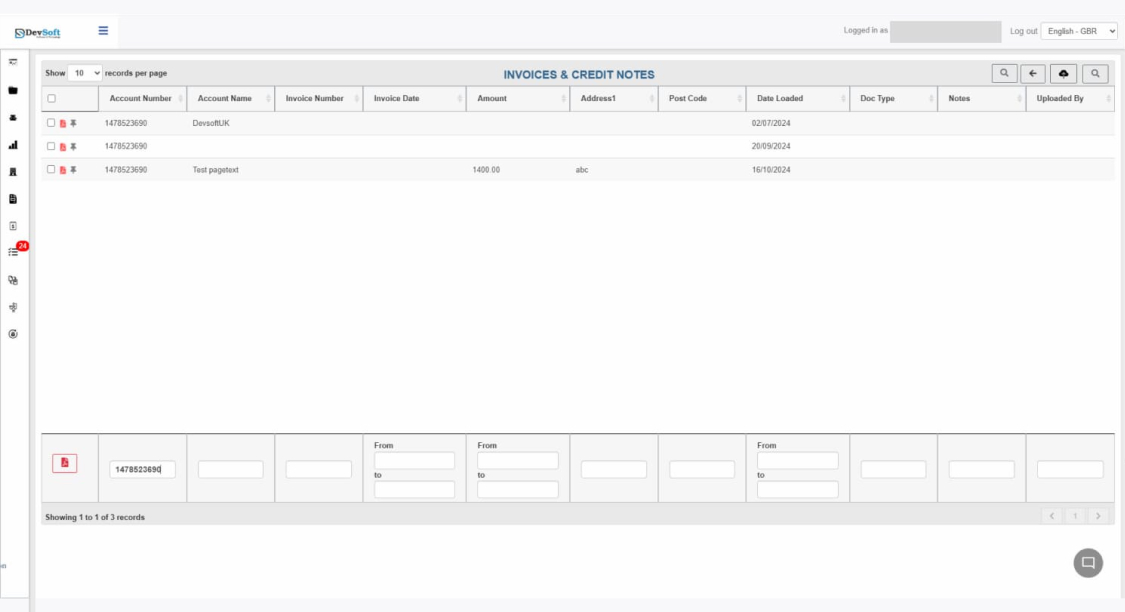
Document Types & Setup

Tasks


Manage Users

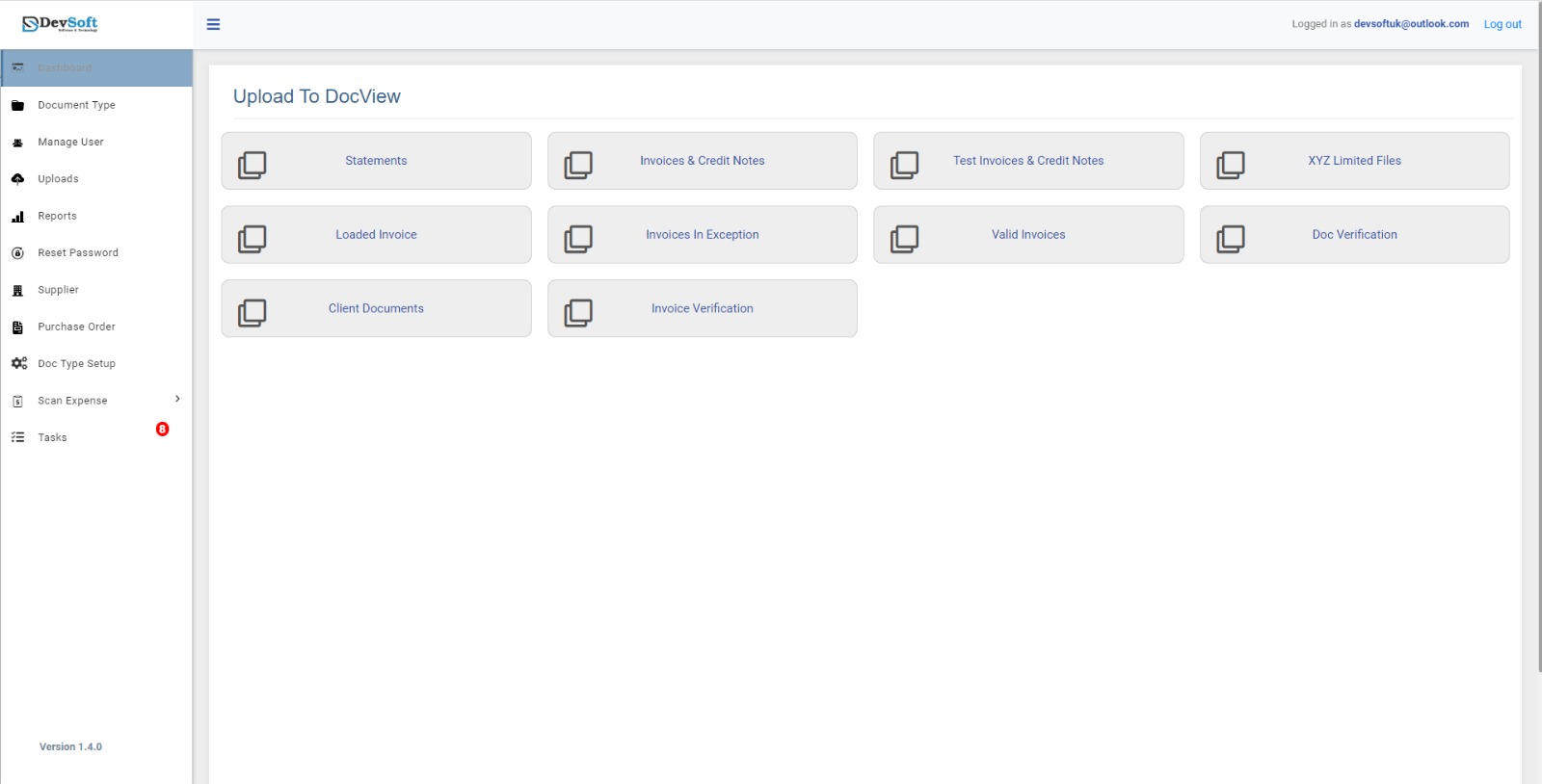
Upload to DocView


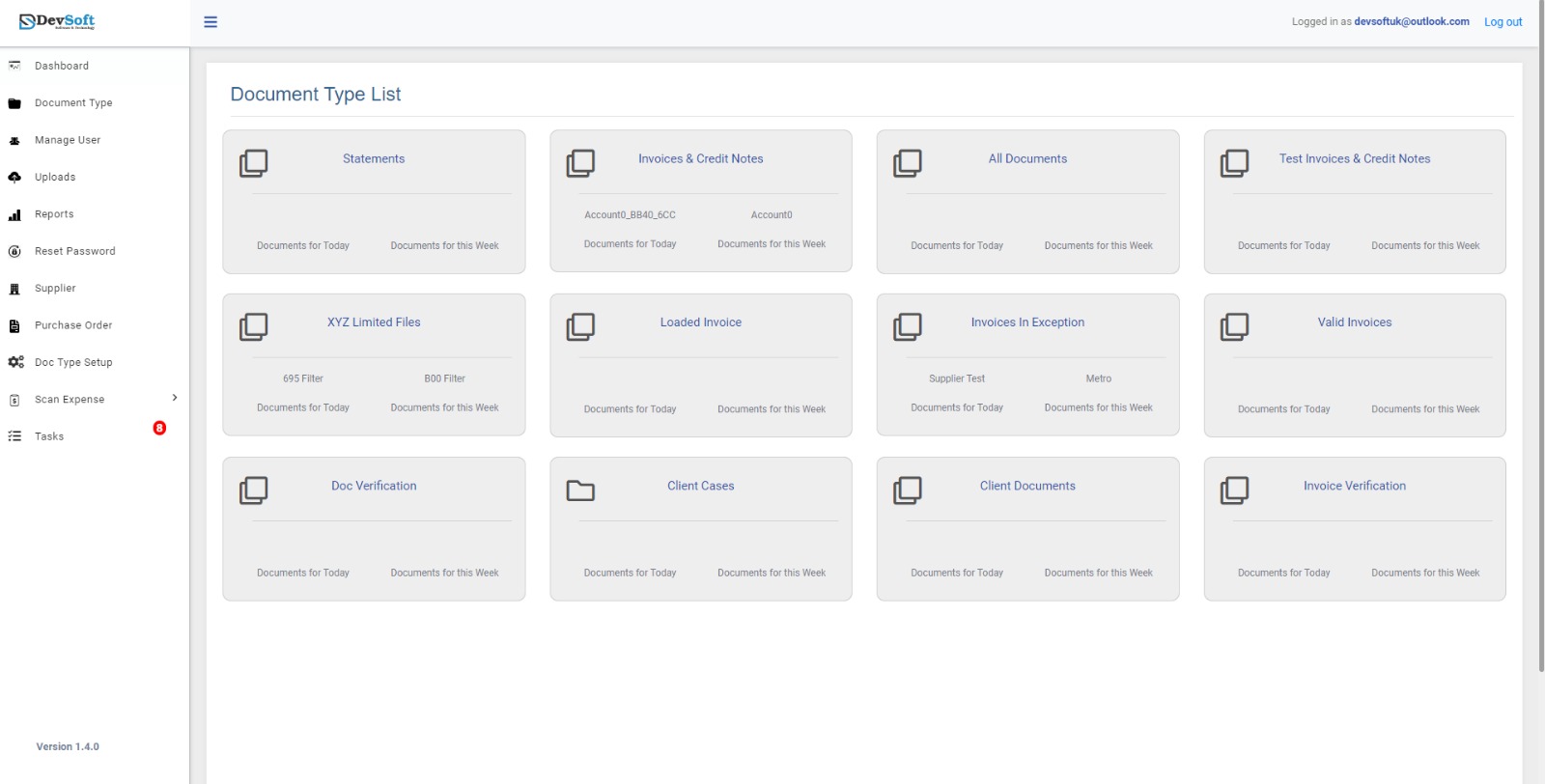
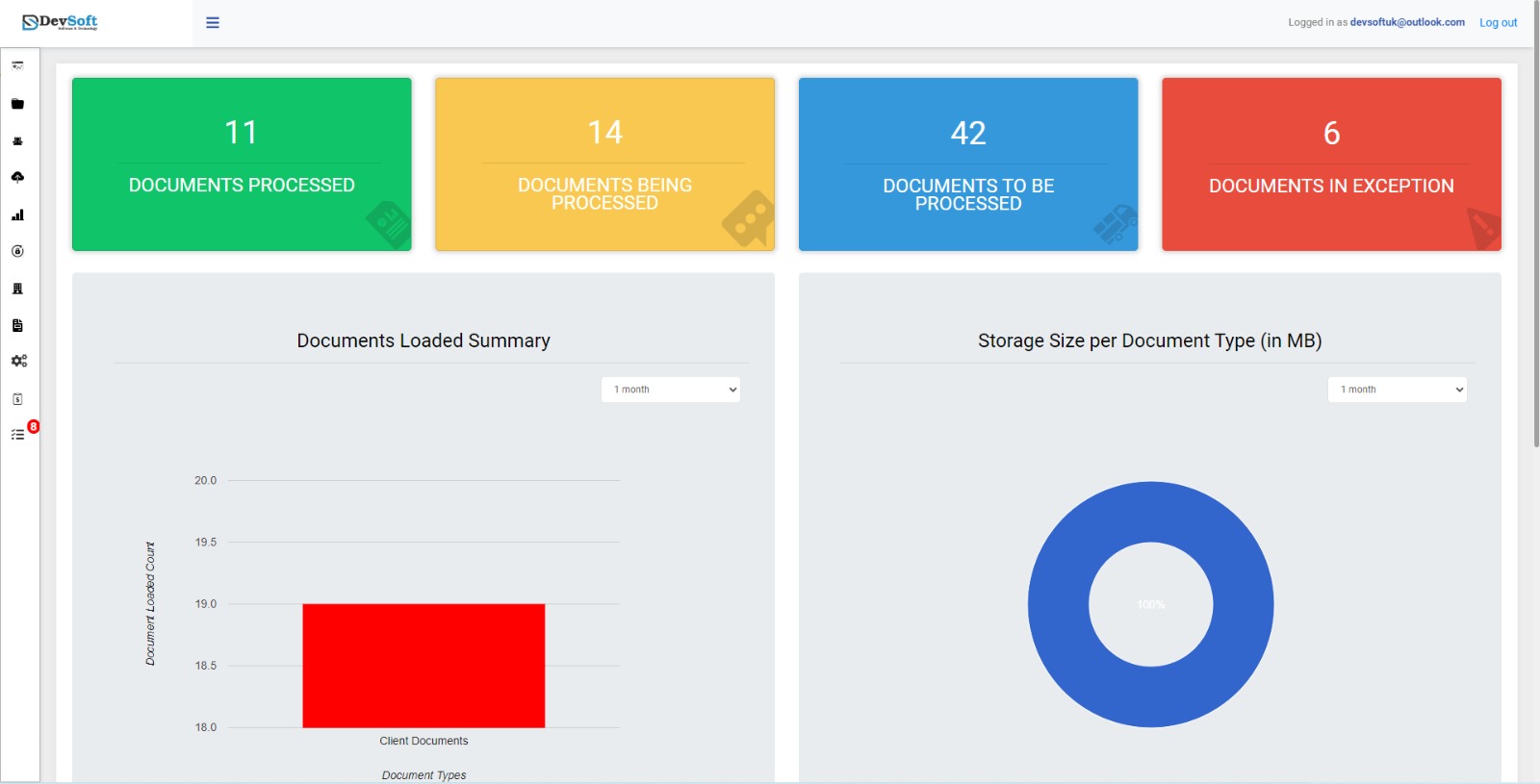
Customized Dashboard and Reports

  • In the Dashboard, you're able to see how many documents are:
             Processed, being processed and to be processed, as well as the
             exception documents also.
  • You can see the summary of your loaded documents and the
             storage size of the document.


E-Signature

  • Electronic signatures are a legal way to digitally secure approvals on
             a document, contract, or set of documents.
  • Electronic signatures can replace your handwritten signature to
             speed up virtually any paper-driven, manual signature processes.
  • How to send an E-Signature:
  • Watch the video to see the E-Signature function in action!


Document Types & Setup

  • The user can see all the created applications for each different use
             as well as the uploaded documents in a specfic application.


website template image


Tasks

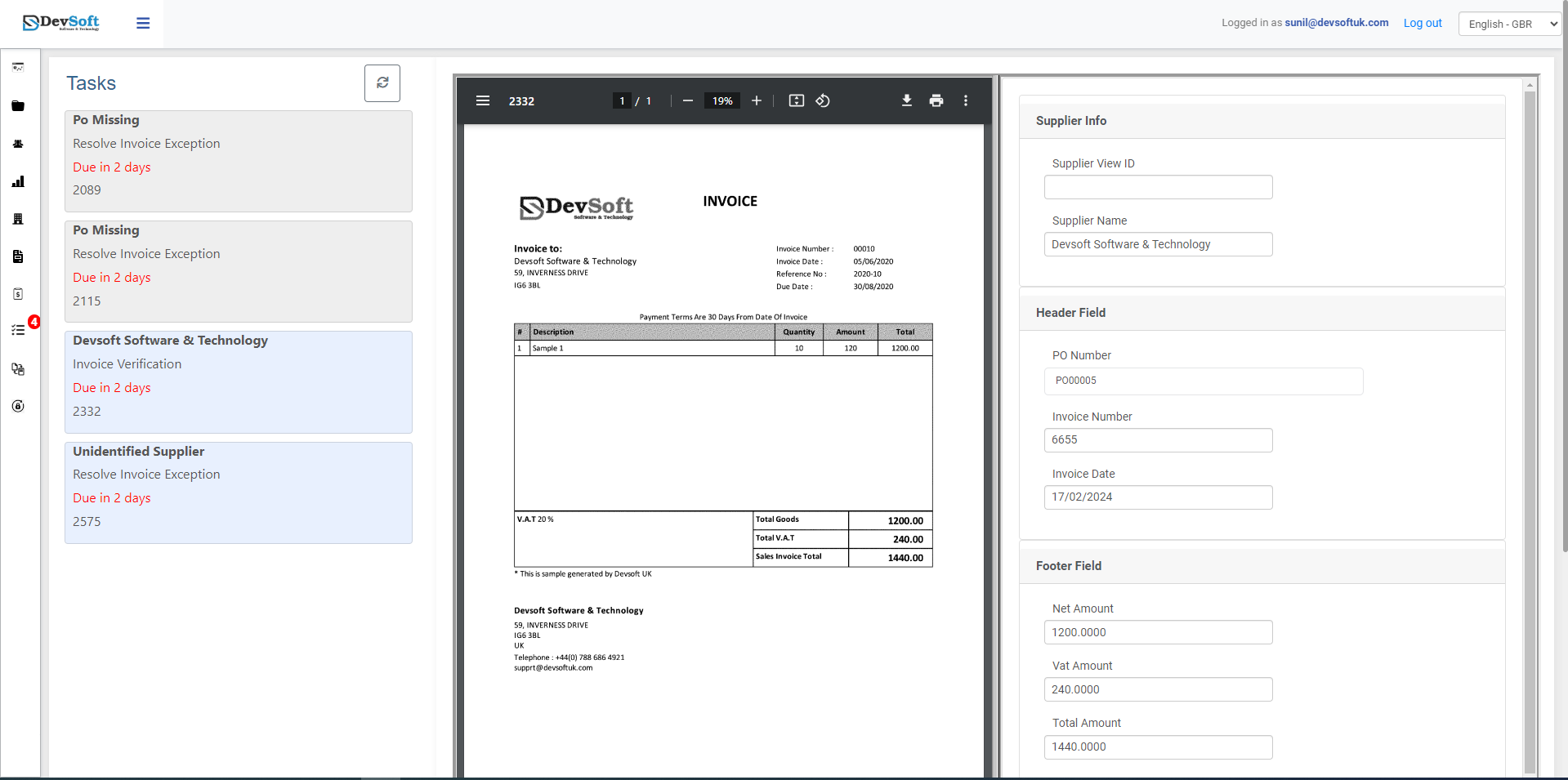
  • It saves the user time by quickly displaying all the essential
             information in order to resolve the task at hand.
  • The Document is also loaded in the same page for effortless task
             management.

Manage Users

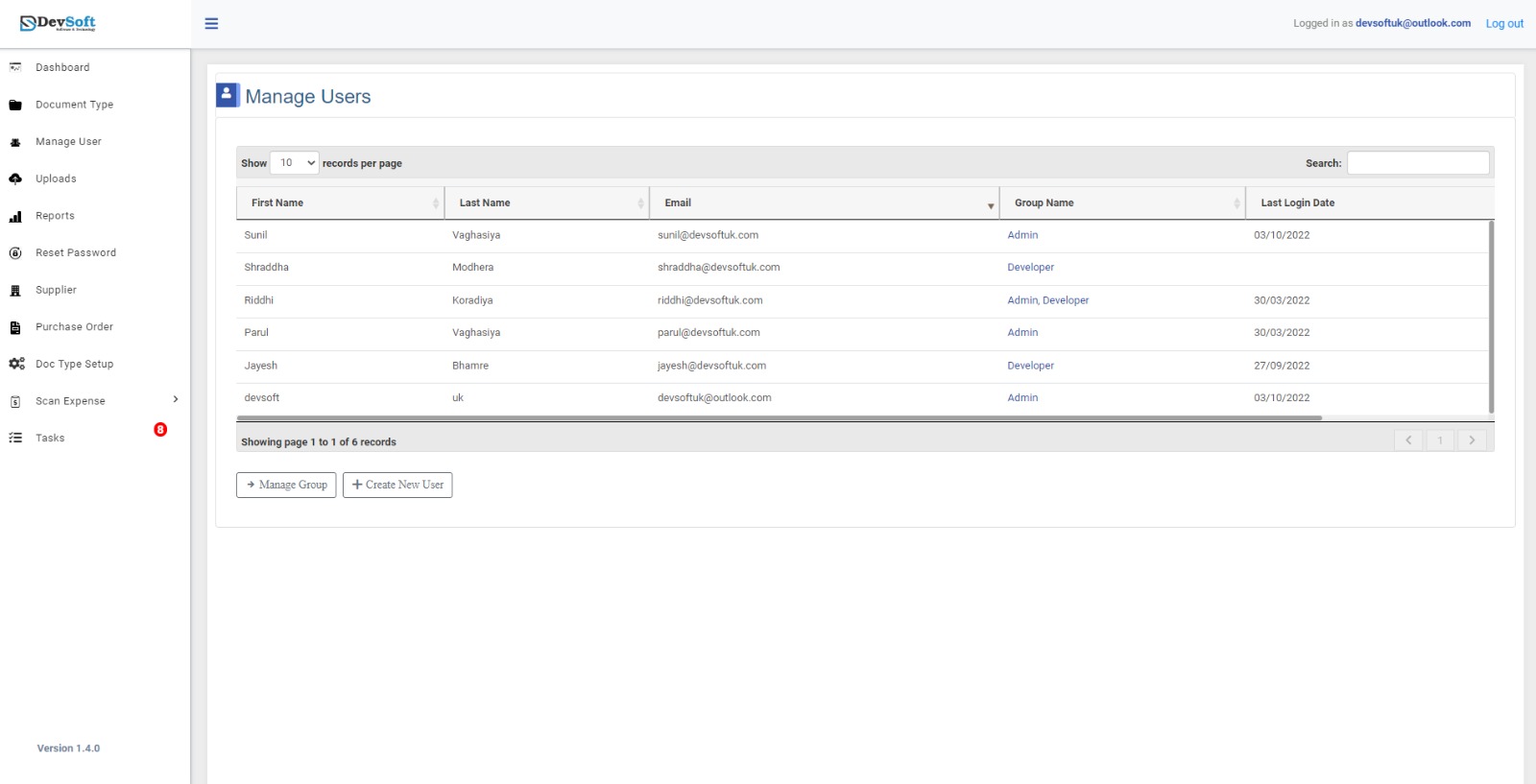
  • This module allows users to perform group management.
  • The user can perform the following operations:
    • Create New User(s)
    • Update User(s)
    • Delete User(s)


website template image

Upload to DocView

The user can perform the following operations:

  • Upload Document(s)
  • Scan Document(s) for uploading
  • Fill in any information while uploading the Document(s)

Can't find what you need?
Contact us.

Supporting our clients is our highest priority.

Connect with us on our socials.


Get exclusive updates and insights by subscribing to our YouTube and LinkedIn pages!