DocView Capture
All-Inclusive Cloud-Enabled Scanning Solution


Cloud-based Scan & Capture Software (SAAS) solution for managing electronic and paper documents. Easily receive, scan/import, OCR, classify, extract, index, track, manage, and produce electronic images with indexed metadata.


DocView Capture


Streamline document digitization, turning physical files into actionable digital data with ease and precision.


Features

Eliminate human errors and inconsistencies with precision and reliability.

Various Configurations

Unlimited number of setups for different document types.

AI & ML

Artificial Intelligence and Machine Learning Powered End-to-End Document Capture Solution.

Holistic Product

Complete Product to transform your physical and electronic documents into business value.

Cloud-Powered

SAAS—fully cloud-based, no hardware or infrastructure required.

Smart Invoice Processing

The most cost-effective solution for invoice processing.

Best Price & Quality

No upfront cost, only a monthly subscription—we can beat any price vs quality.

DocView Capture Module & Workflow

Optimize your processes and achieve more with fewer resources.
Admin setup

Scan - Import

Quality Control


Classify

Review

OCR

Extraction

Index

Verify

PDF+

Export

Custom Module

Report

Cleanup

Manage


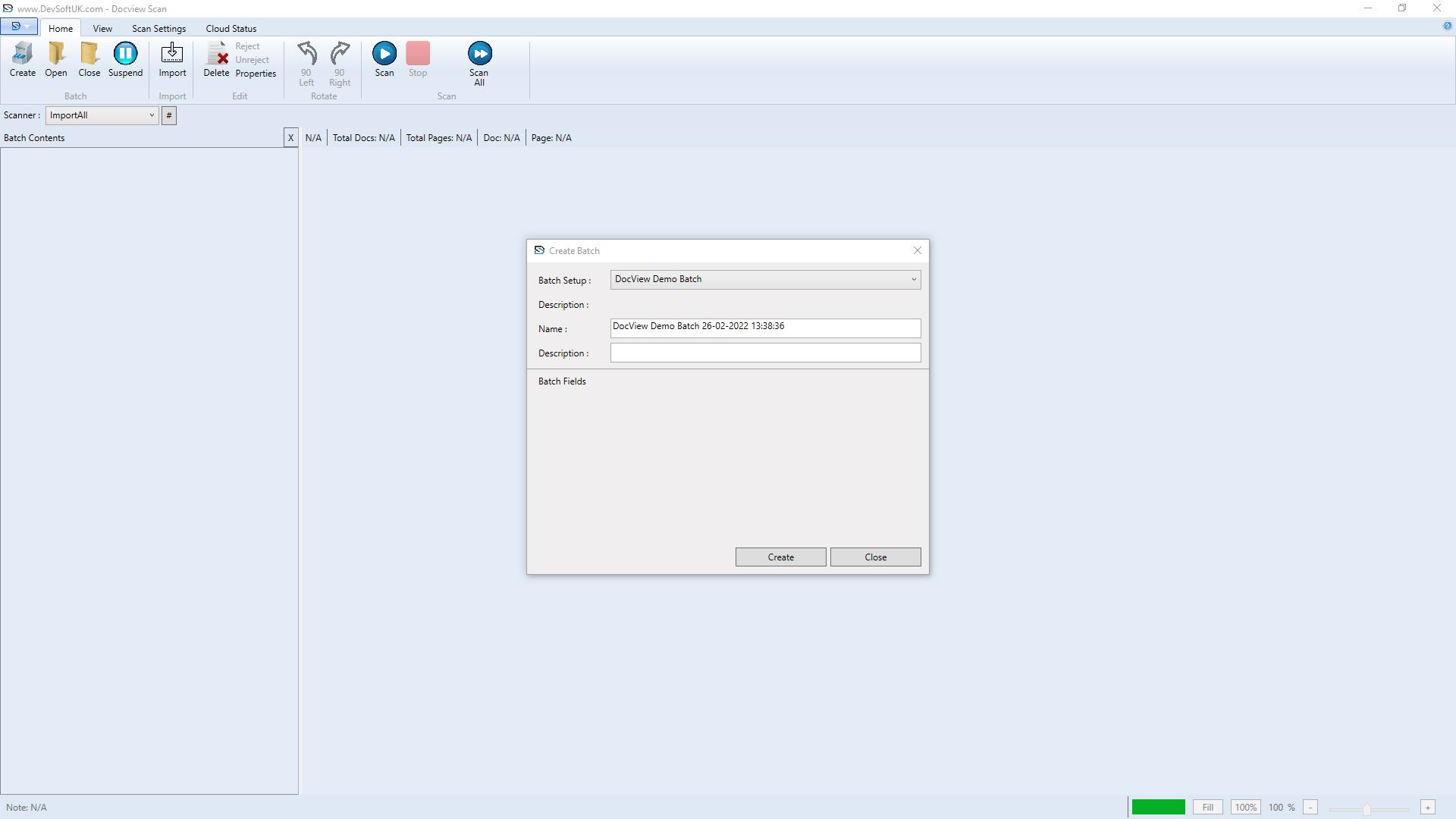
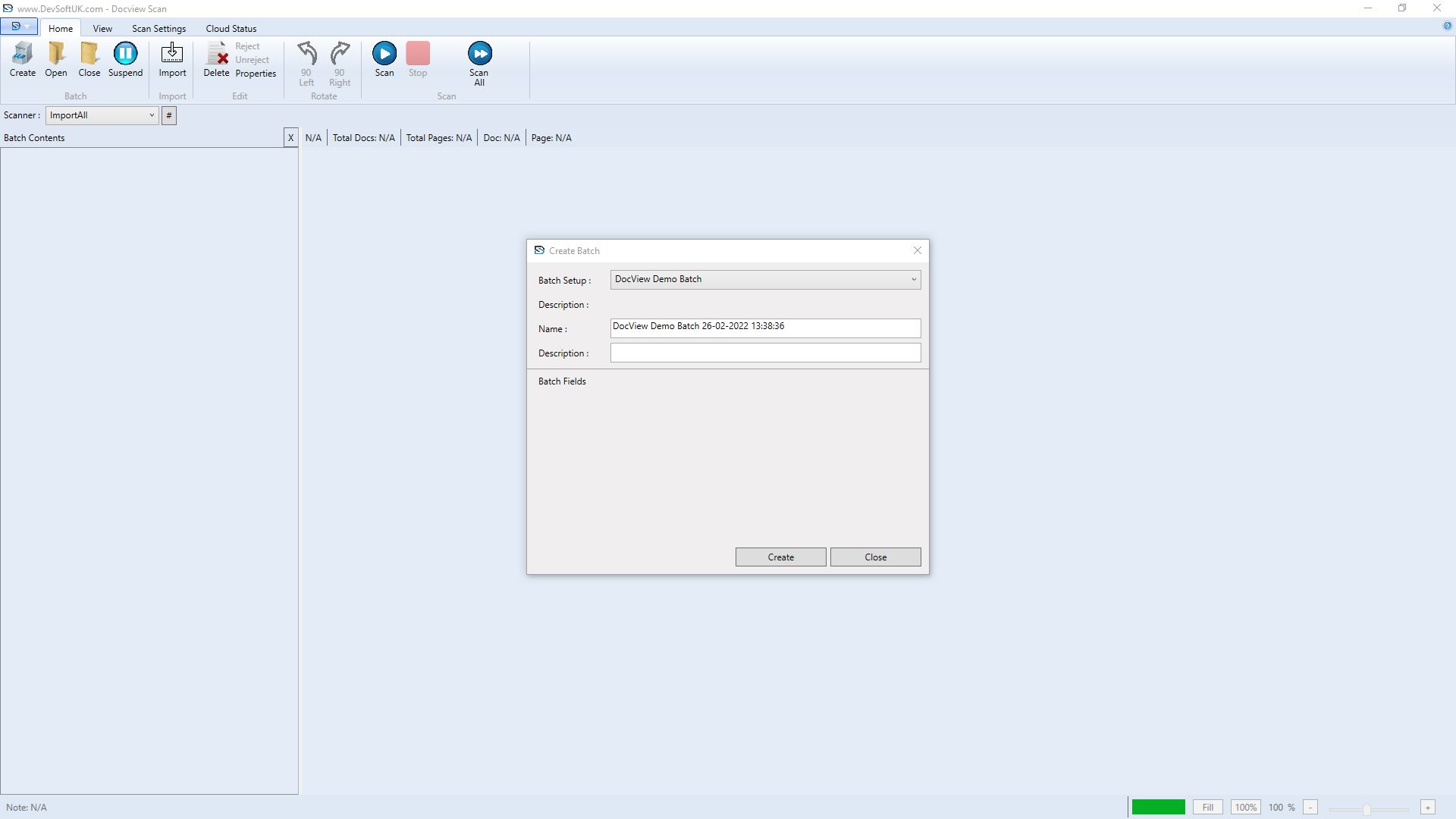
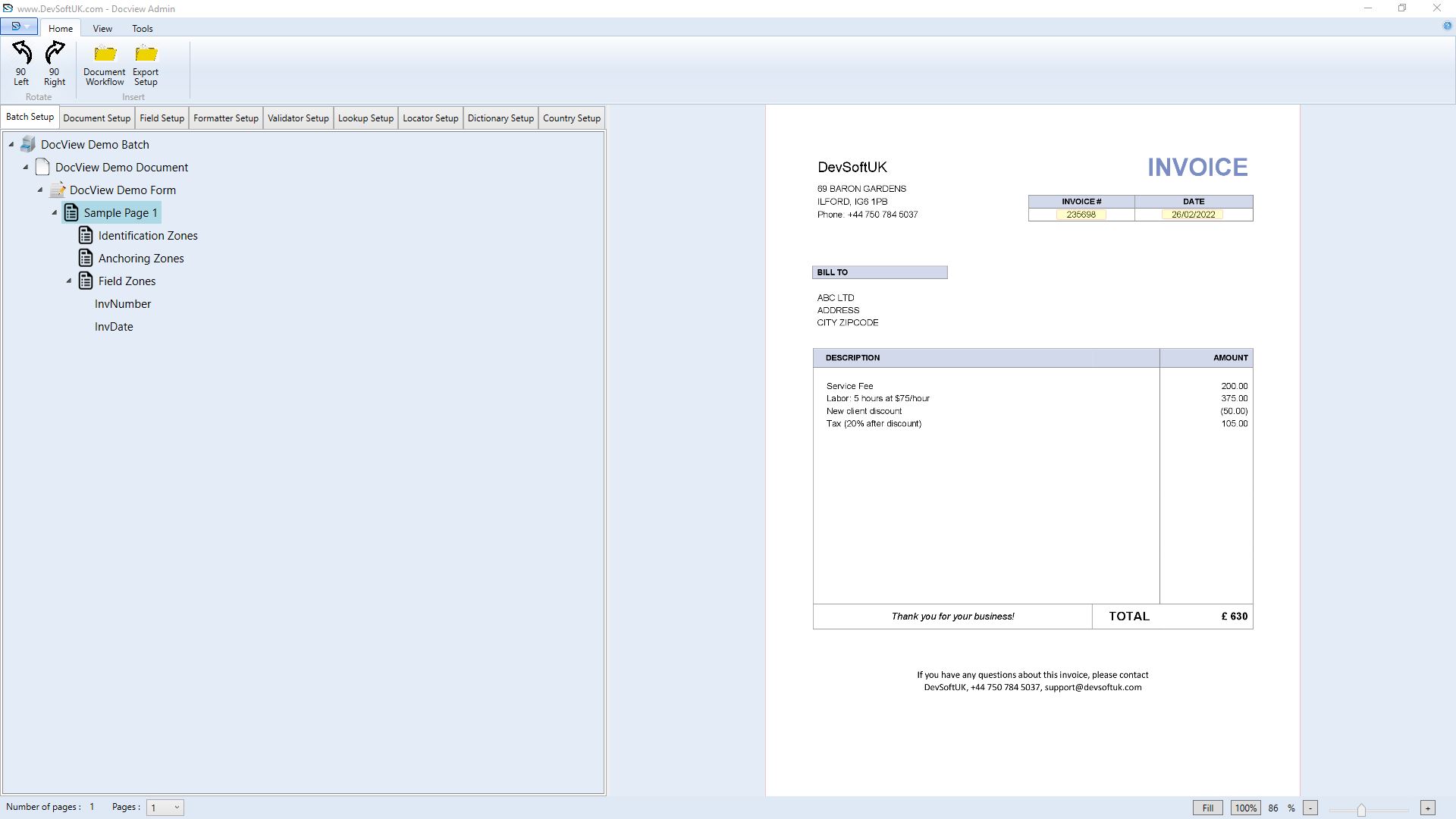
Admin Setup

  • This module allows you to set up and control multiple scanning or
              import batch setup.
  • Each setup can be one of the following two types:
  • Fixed Form
    Any documents with a fixed layout where index fields are located at
            the same place on the document e.g., Application Form.
  • Free Form
    Any documents where index fields are located at fixed locations e.g.,
            invoices or letters.


website template image

Read More

  • Admin modules allow you to configure the following:
  Batch Setup
  Document Setup
  Form Setup
  Field Setup
  Formatter Setup
  Validator Setup
  Lookup Setup
  Dictionary Setup
  Country Setup
  FieldZone Setup
  Field Anchoring Setup
  Classification Setup
  Extraction Setup
  Email Import Setup
  Document Flow Setup
  Application Cloud Setup
  User and Group Setup

website template image

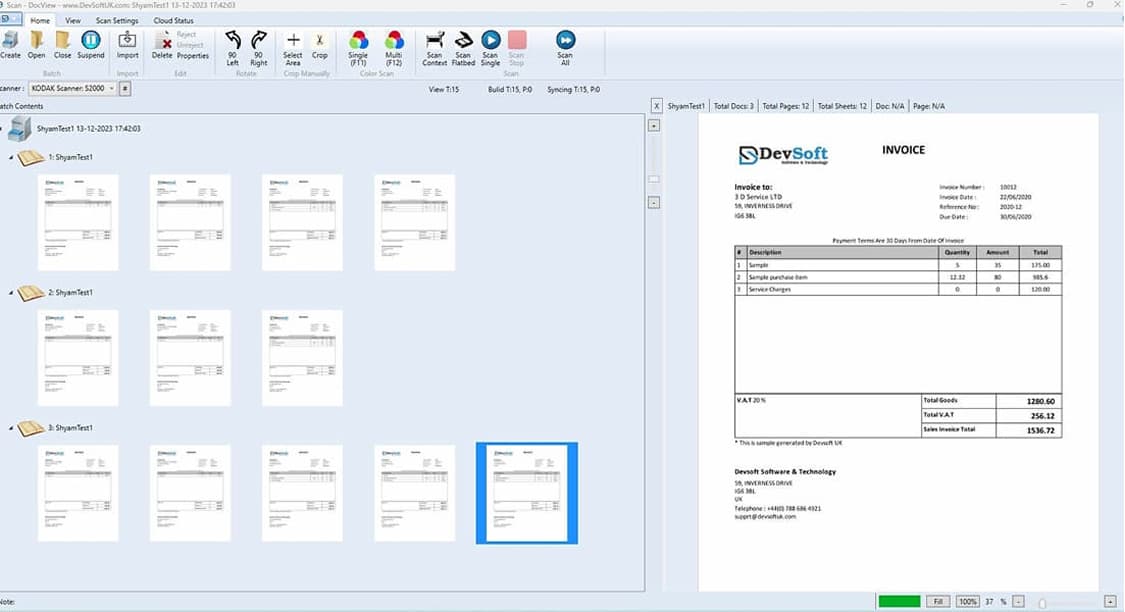
Scan

  • Works with all major scanners and MFP devices with TWAIN support.
             Allows importing documents from folder locations, from Black &          White/Greyscale to Colour and vice versa.
  • The module supports multiple separation types, which include:
    • Specific Separator Sheet
    • Manual Separation
    • Patch Code
    • M-Barcode
    • Fixed Page

  •   There are two types of scanning allowed using this module.
  •   1. One Touch Scanning:
        This process allows the user to perform all the following activities at the scanning level.
          Prep
          Scan
          Separation
          Classification
          Index
  •   2. Batch Scanning:
        This process allows users to scan previous batches of documents that are scanned and separated the scanning stage and then follow           the classification, extraction, and index process at later modules.

Import

  • This module allows you to import email attachments,
             including the email body to DocView Capture.
  • This module is an unattended module that does not require
            any operator to work on it, but it works based on Admin
            Setup Configuration.
  • Module can be run as:
    • Scheduled Console Application
    • Manually Ran Application
    • Windows Service
    • Azure Service
    • AWS Service


website template image

Read More

  • The module can import the following attachment types:
  Tiff
  PDF
  JPG
  PNG
  Word
  Excel
  PowerPoint
  Text

website template image

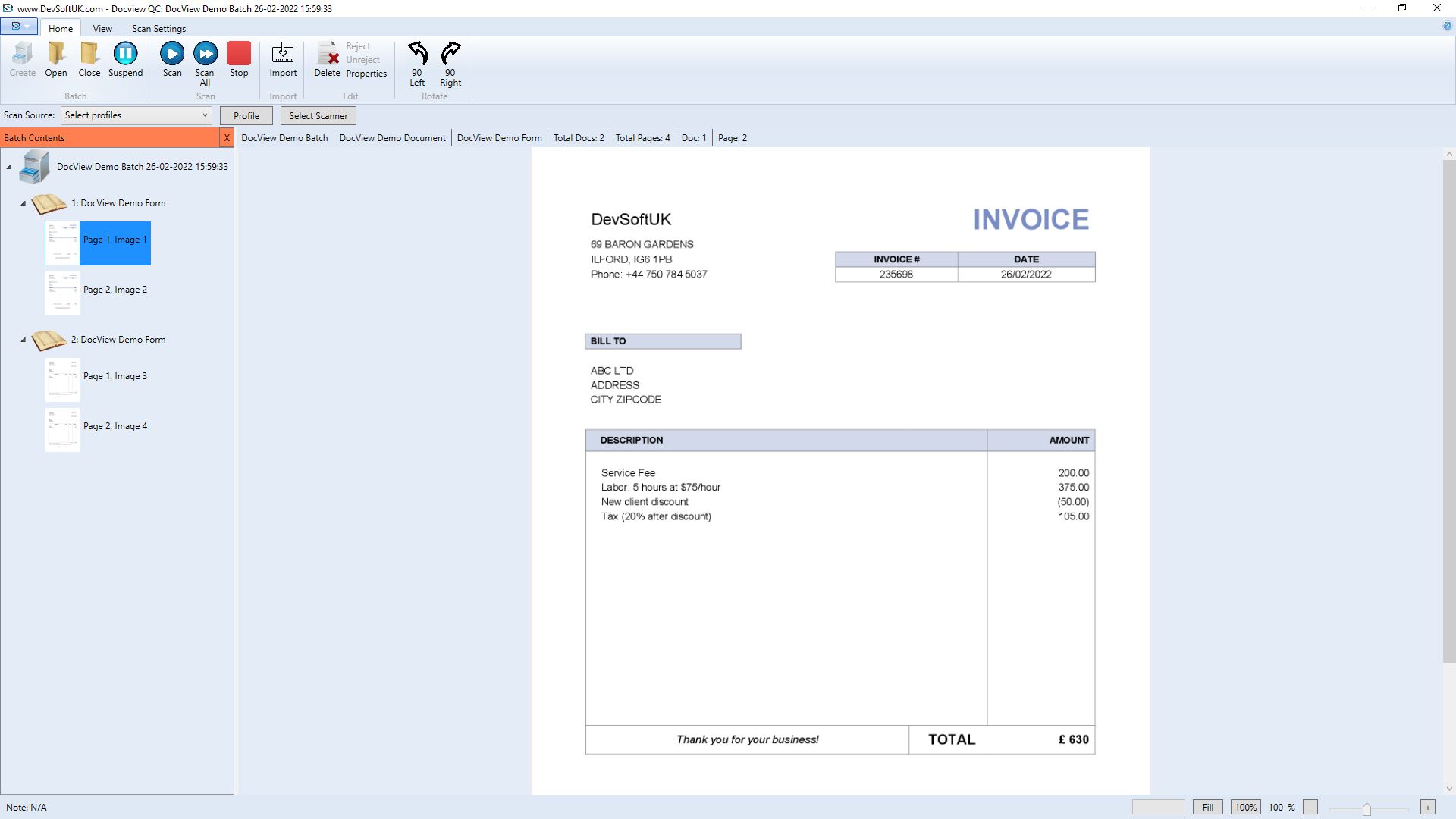
Quality Control

  • This module allows users to perform quality assurance
             checks on scanned images.
  • The user can perform the following operations:
    • Create Document(s)
    • Delete Document(s) / Page(s)
    • Merge Multiple Document(s)
    • Split Document(s)
    • Reject Document(s) / Page(s)
    • Adding Notes to Documents

Classify

  • This module is an unattended module that does not require any
             operator to work on it, but it works based on Admin Setup
             Configuration.
  • Module can be run as:
    • Scheduled Console Application
    • Manually Ran Application
    • Windows Service
    • Azure Service
    • AWS Service


website template image

Read More

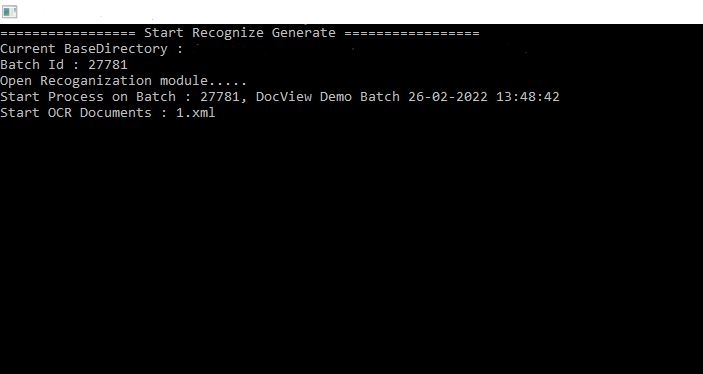
  Modules perform auto classification on documents identifying their document type in mixed scanned batches.
  Classification provides confidence as a result, which can be used/configured to decide if a document is auto-classified confidentially
   or require manual confirmation by the operator using the Review Module.
  The module uses AI/ML to classify documents, and training can be provided for improved classification results.

website template image

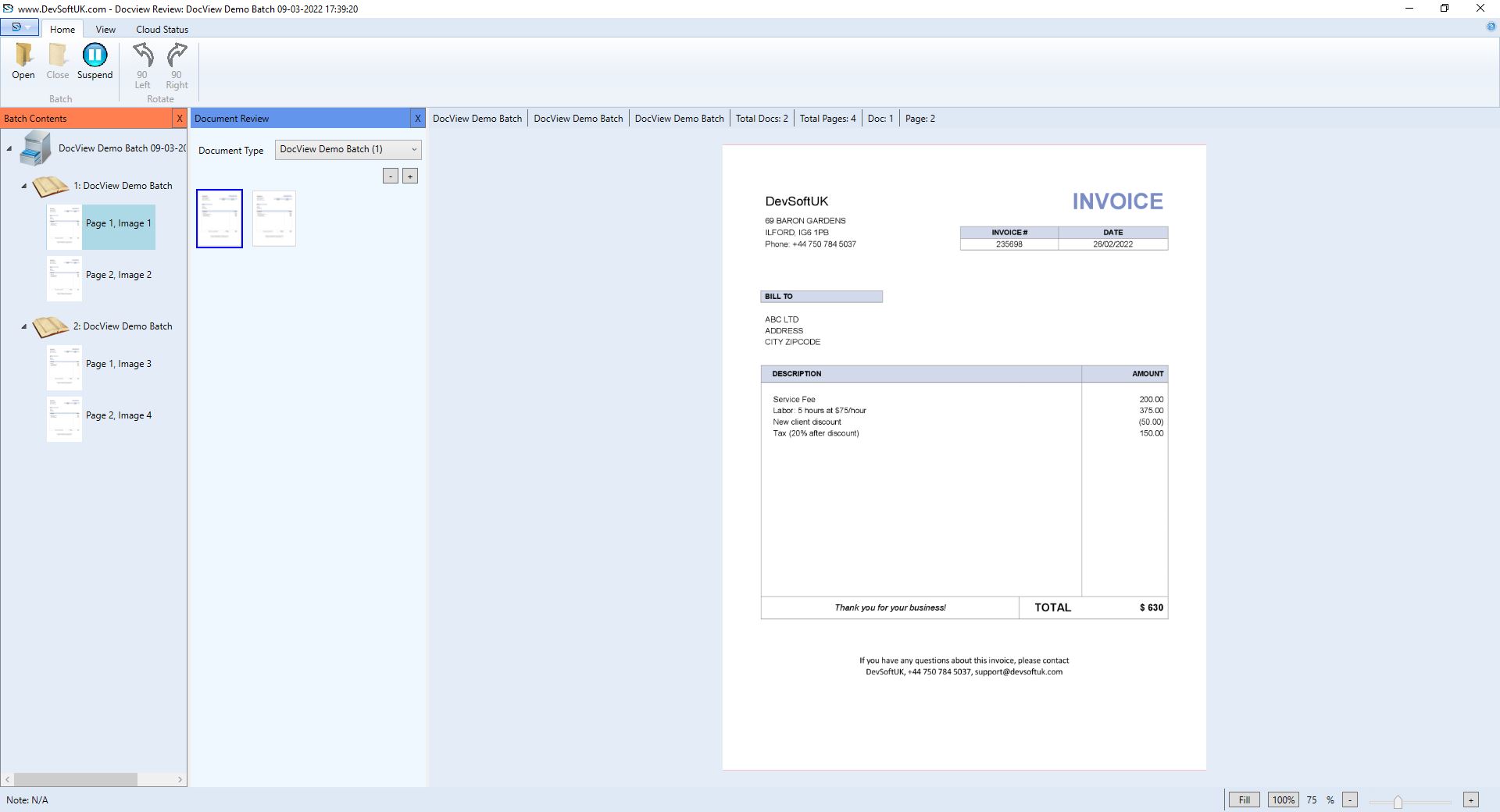
Review

  • The module allows users to perform quality assurance checks on
             scanned images and allows to perform Manual Classification for
             documents.
  • Users can perform the following operations:
    • Document Classification
    • Create Document(s)
    • Delete Document(s) / Page(s)
    • Adding Notes to Documents
    • Merge Multiple Documents
    • Split Document(s)
    • Reject Document(s) / Page(s)


OCR/Extraction

  • This module is an unattended module that does not require any
             operator to work on it, but it works based on Admin Setup
             Configuration.
  • Module can be run as:
    • Scheduled Console Application
    • Manually Ran Application
    • Windows Service
    • Azure Service
    • AWS Service


website template image

Read More

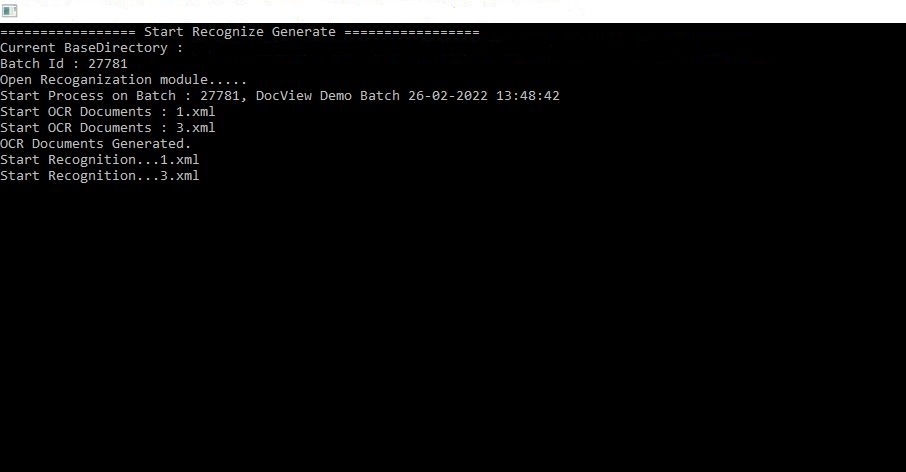
This process allows the user to perform all the following activities at the scanning level:
  Tesseract OCR
  Azure OCR
  AWS OCR

      The module also extracts all field details based on the configuration from Admin Setup.
      Field results will have extraction confidence, which will be used to decide if fields have confident extracted values or require manual
       checking in the Index Module.


website template image

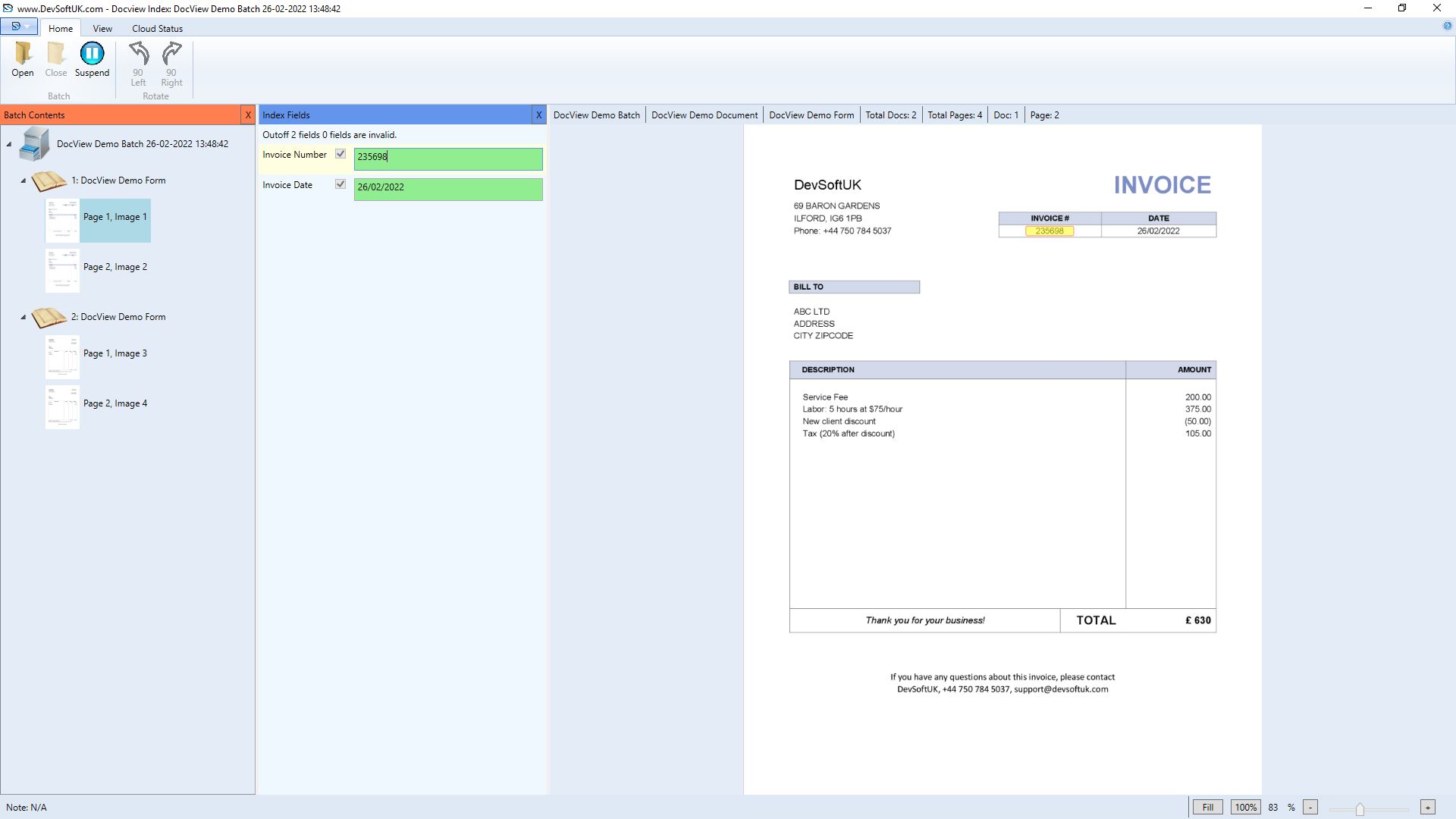
Index

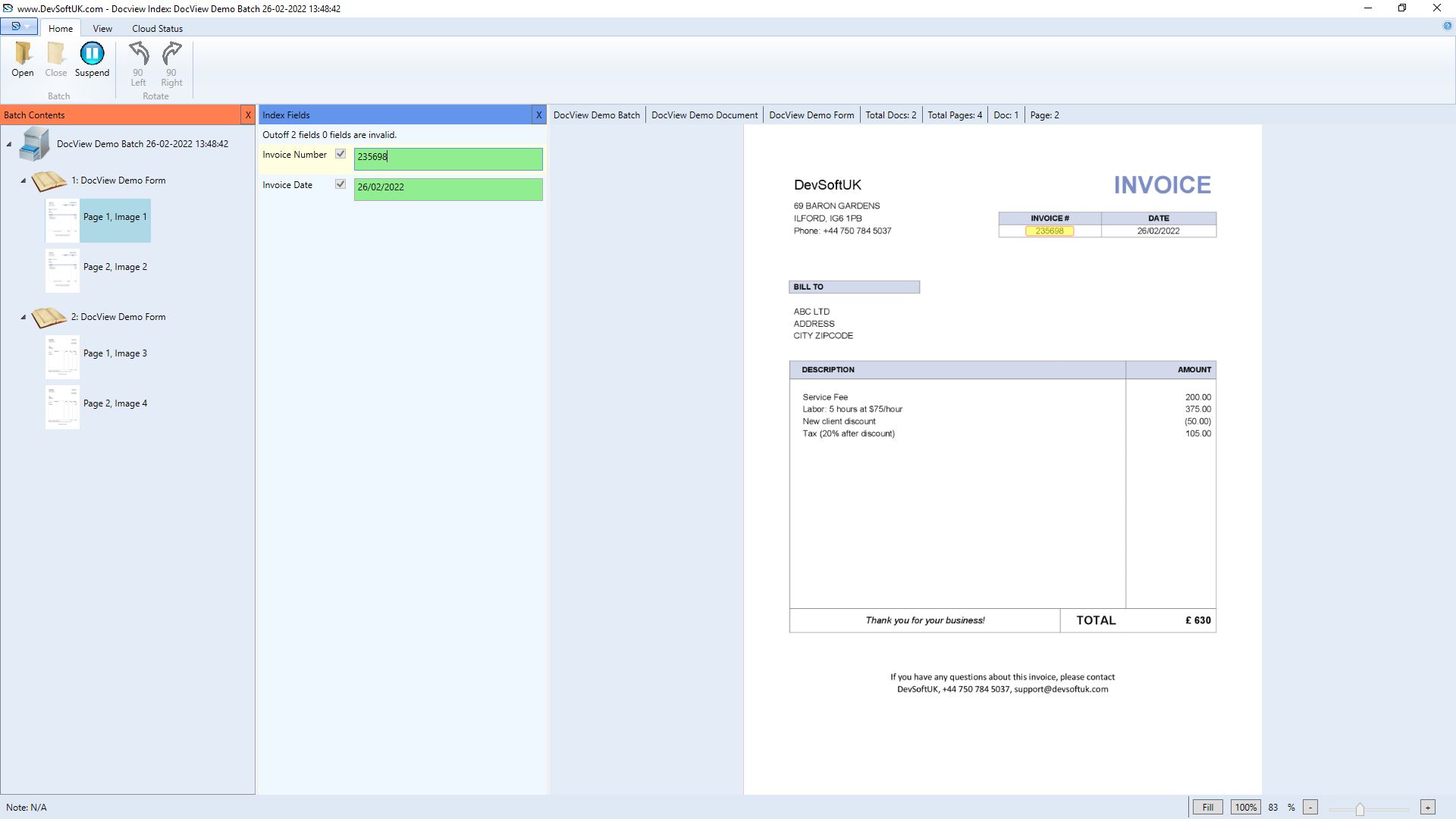
  • The module allows the user to perform manual indexing of the
             document fields of all documents in a scanned batch.
  • Each index field's value is checked for formatting and validation
             rules.
  • Users can manually type field a value or by using the mouse, draw
             a zone (area on image) that the OCR and extract and populate
             into the field box.
  • Various index field types include:
    • Text
    • Number
    • Date
    • Lookup List


Verify

  • The module allows the user to perform manual indexing of the
             document fields of all documents in a scanned batch.
  • Each index field's value is checked for formatting and validation
             rules.
  • Users can manually type field a value or by using the mouse, draw
             a zone (area on image) that the OCR and extract and populate
             into the field box.
  • Verified index field value gets checked and the user receives a
             notification if there is a mismatch.
  • Various index field types include:
    • Text
    • Number
    • Date
    • Lookup List
    • Certify Value with Index
               Field


website template image

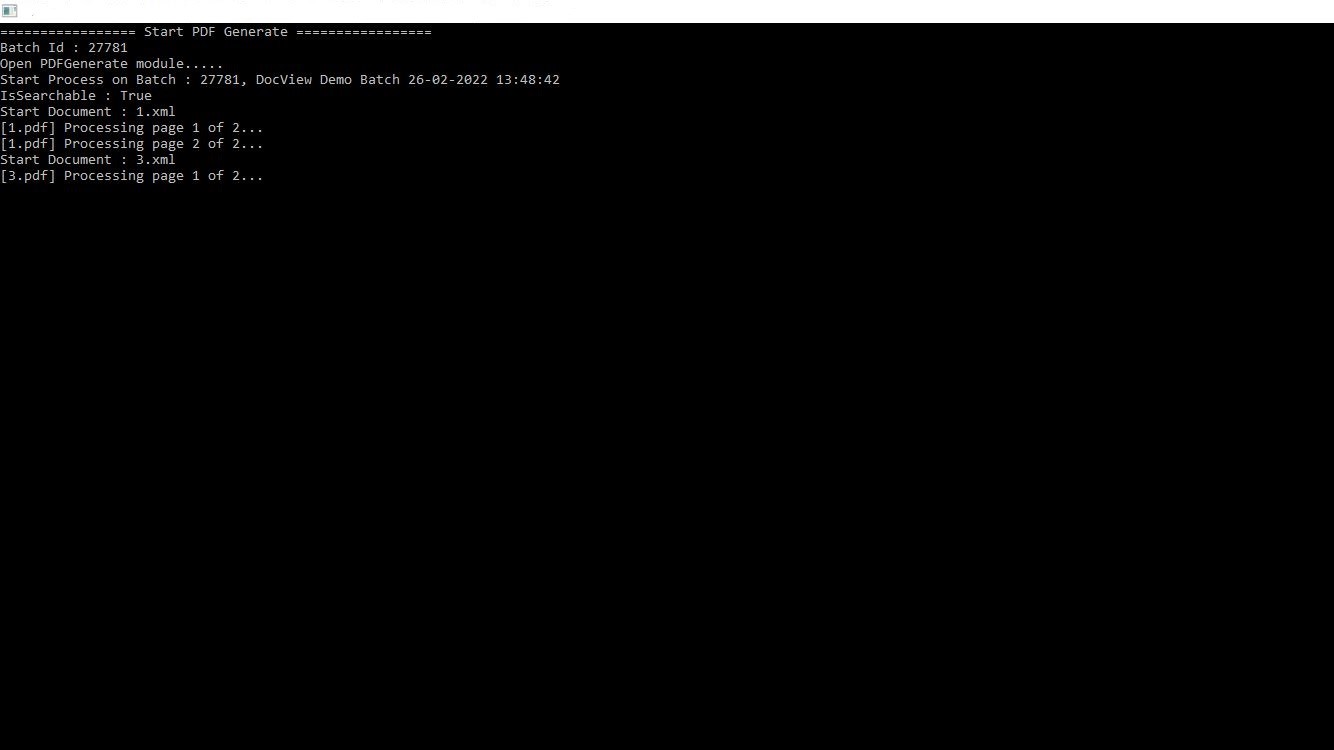
PDF+

  • This module is an unattended module that does not require any
             operator to work on it, but it works based on Admin Setup
             Configuration.
  • Module can be run as:
    • Scheduled Console Application
    • Manually Ran Application
    • Windows Service
    • Azure Service
    • AWS Service

Read More

To create a searchable PDF, OCR is required on the document. The following OCR engines can be used for OCR:
  OCR
  Azure OCR
  AWS OCR

The module converts document images into PDF documents or searchable PDF documents.

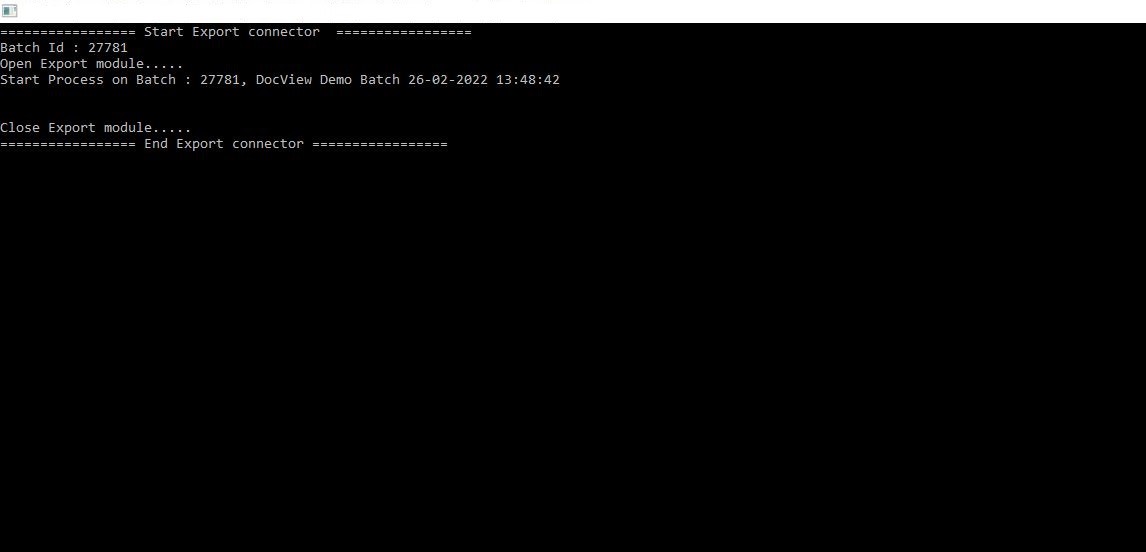
Export

  • This module is an unattended module that does not require any
             operator to work on it, but it works based on Admin Setup
             Configuration.
  • Module can be run as:
    • Scheduled Console Application
    • Manually Ran Application
    • Windows Service
    • AWS Service
    • Azure Service


website template image

Read More

  • Module performs push of document (images or PDF/A) and data to any system, which include:
  CSV
  Excel
  XML
  Enterprise Management System
  DocView
  SQL

  Modules also allow developers to develop custom output setups depending on custom requirements.
  Modules also allow multiple output types, meaning output can be set up to any number of output formats (above) for a single
   document.
website template image

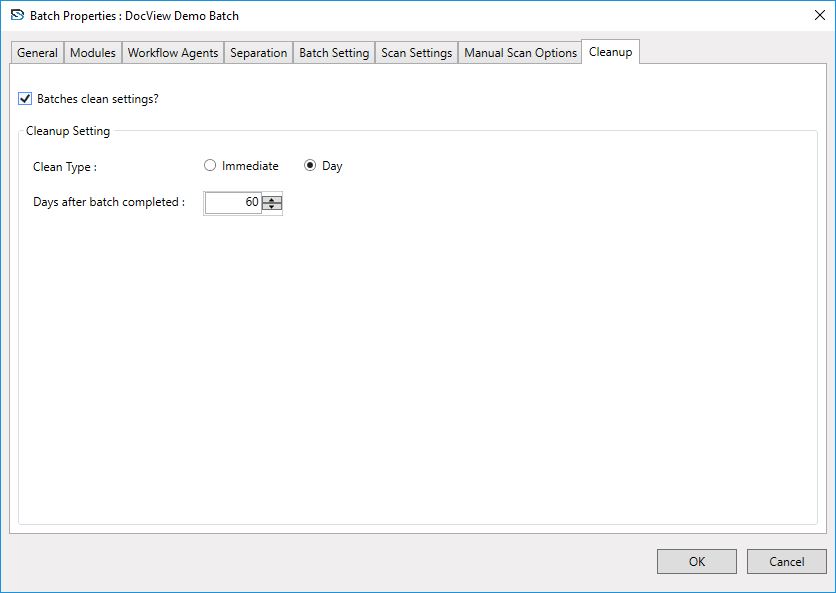
Cleanup

  • This module is an unattended module that does not require any
             operator to work on it, but it works based on Admin Setup
             Configuration.
  • Module can be run as:
    • Scheduled Console Application
    • Manually Ran Application
    • Windows Service
    • Azure Service
    • AWS Service

Read More

  Modules also allow developers to develop custom output setups depending on custom requirements.
  Modules also allow multiple output types, meaning output can be set up to any number of output formats (above) for a single
   document.

Manage

  • This module is an unattended module that does not require any
              operator to work on it, but it works based on Admin Setup
              Configuration.
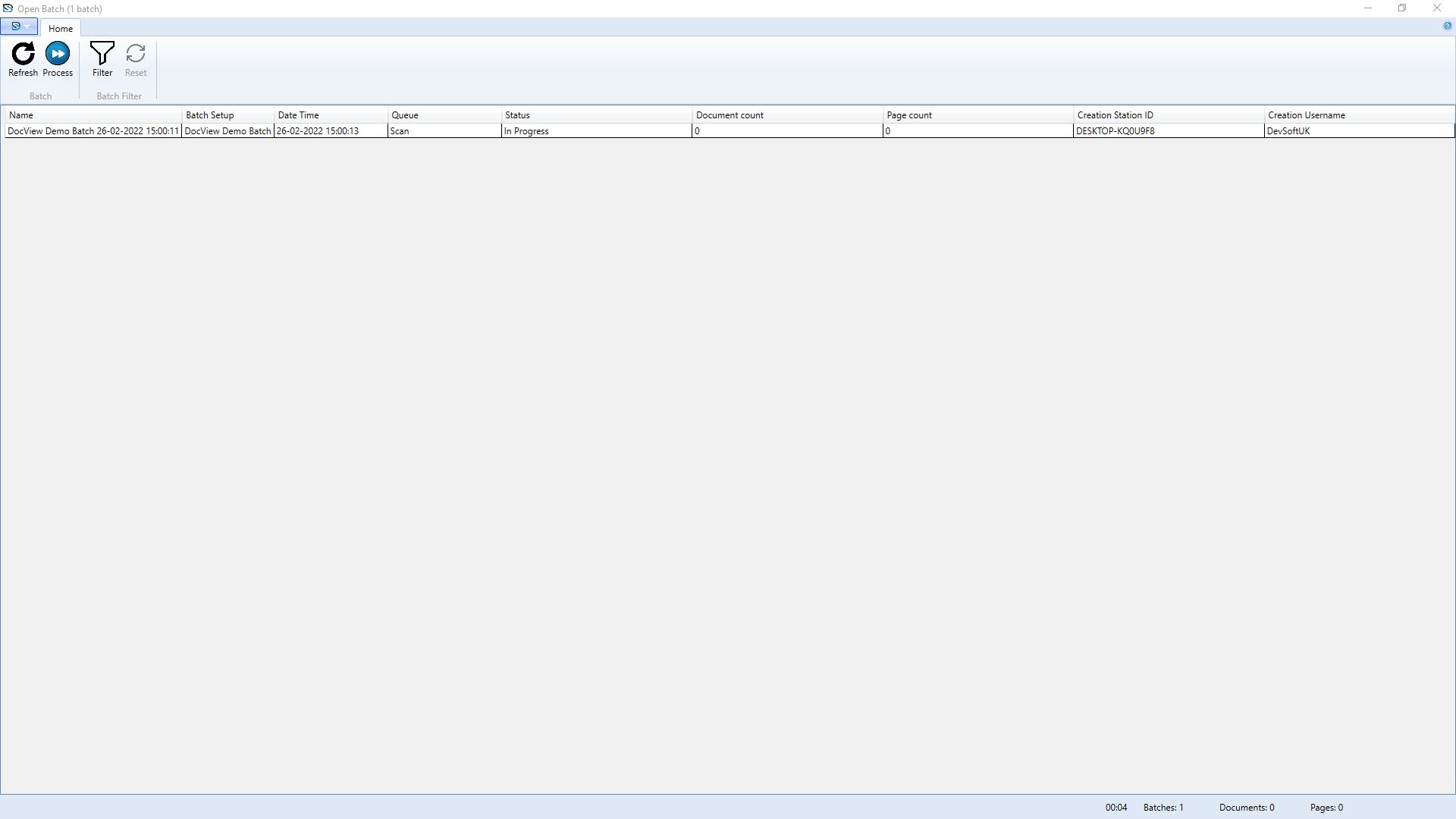
  • User can perform or load batch processing directly from Manage
            module that allows them to track the full flow of the individual batch.
  • This module is also useful for a supervisor or manager who can
             monitor all batches being processed in all modules.


website template image

Can't find what you need?
Contact us.

Supporting our clients is our highest priority.

Connect with us on our socials.


Get exclusive updates and insights by subscribing to our YouTube and LinkedIn pages!